


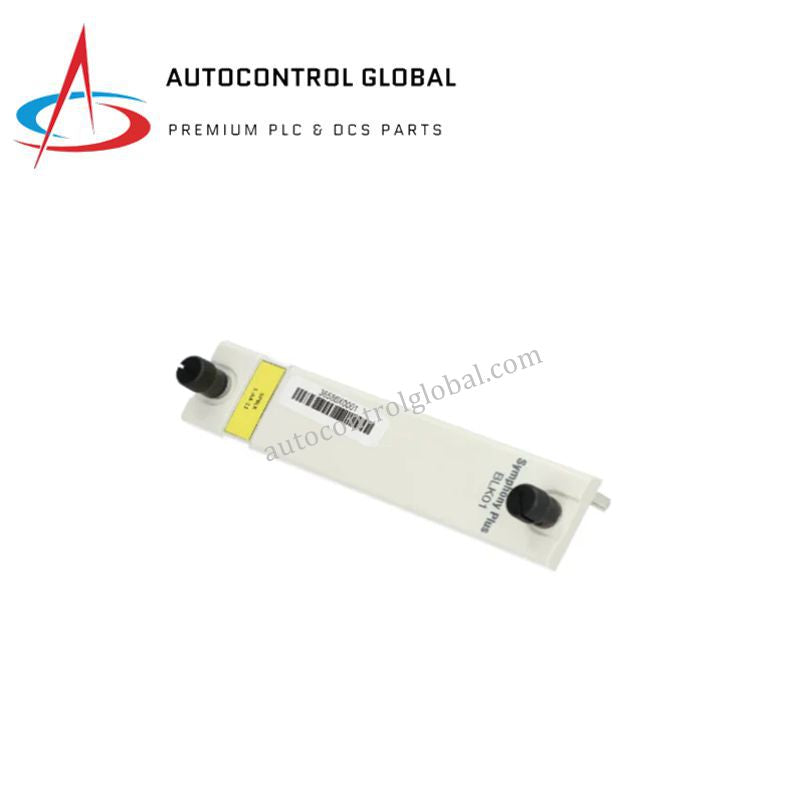


ABB BLK01 Symphony Plus HR Blank Faceplate
Manufacturer: ABB
-
Part Number: BLK01
Condition:New with Original Package
Product Type: Blank Faceplates
-
Country of Origin: Sweden
Payment:T/T, Western Union
Shipping port: Xiamen
Warranty: 12 months
ABB BLK01 Blank Faceplate
The ABB BLK01, also cataloged as the SPBLK01 Blank Faceplate, operates as a dedicated hardware component for empty slot coverage and enclosure air flow management within ABB Symphony Plus HR Series racks. The unit secures unpopulated rack slots physically, suppressing dust ingress and maintaining intended internal cabinet thermal convection pathways across adjacent active modules.
Hardware Specifications
| Parameter | Specification |
|---|---|
| Model | BLK01 |
| Brand | ABB |
| Origin | Sweden |
| Weight | 0.10 kg |
| Dimensions | 254 mm x 254 mm x 127 mm |
| Operating Temp | Standard rack ambient profile |
| Power Consumption | 0 W (Passive hardware) |
| Battery Element | Button Cell Lithium, 5 g |
| System Compatibility | Symphony Plus HR Series (Harmony Rack) |
| Environmental Compliance | WEEE compliant |
Backplane Slot Protection & I/O Density Scaling
Installing the BLK01 across unassigned chassis positions preserves internal backplane bus communication stability by protecting sensitive backplane connector pins from airborne particulates, metallic debris, and mechanical damage. Proper slot blanking supports systematic I/O density scaling during system expansion, ensuring that unused node locations remain fully clean and structurally aligned for future module integration without degrading thermal management or deterministic signal integrity in surrounding slots.
Frequently Asked Questions
Q: Does installing the BLK01 affect backplane bus power consumption or signal impedance?
A: No, the BLK01 is a passive structural accessory that contains no active backplane electrical connections, maintaining neutral electrical conditions across the rack bus.
Q: How does the blank faceplate support thermal regulation inside the Harmony Rack chassis?
A: By sealing open rack apertures, the faceplate prevents thermal short-circuiting and directs cooling airflow across populated modules to optimize heat sink dissipation.
Q: Are specialized tools required to mount the BLK01 onto a Symphony Plus HR chassis?
A: Installation requires standard panel mounting hardware aligned directly with predefined rack chassis mounting points to achieve secure mechanical retention.
Field Installation Guidelines
Inspect the chassis opening prior to mounting the BLK01 to ensure the backplane guide rails and connector zones are free from debris. Align the faceplate mounting holes with the targeted Symphony Plus HR Series rack position. Insert standard retaining screws and tighten uniformly to establish a secure flush seal against the rack frame.
Verify that the installed faceplate completely covers the unpopulated chassis opening without contacting adjacent active cards. Maintain routine visual inspections during scheduled cabinet maintenance to confirm that retaining hardware remains tight and that surrounding ventilation paths remain unobstructed.