
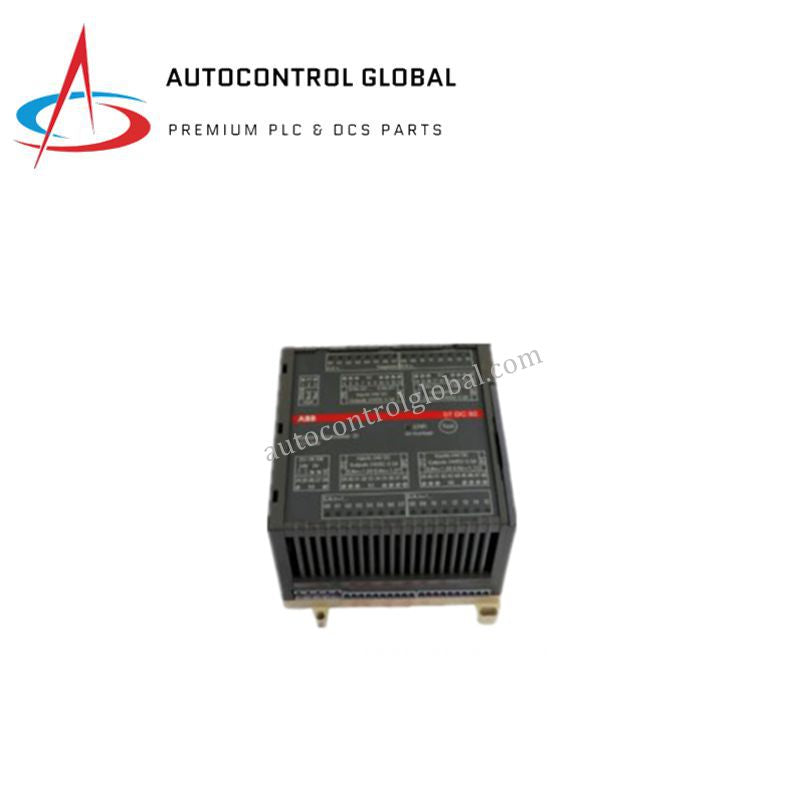
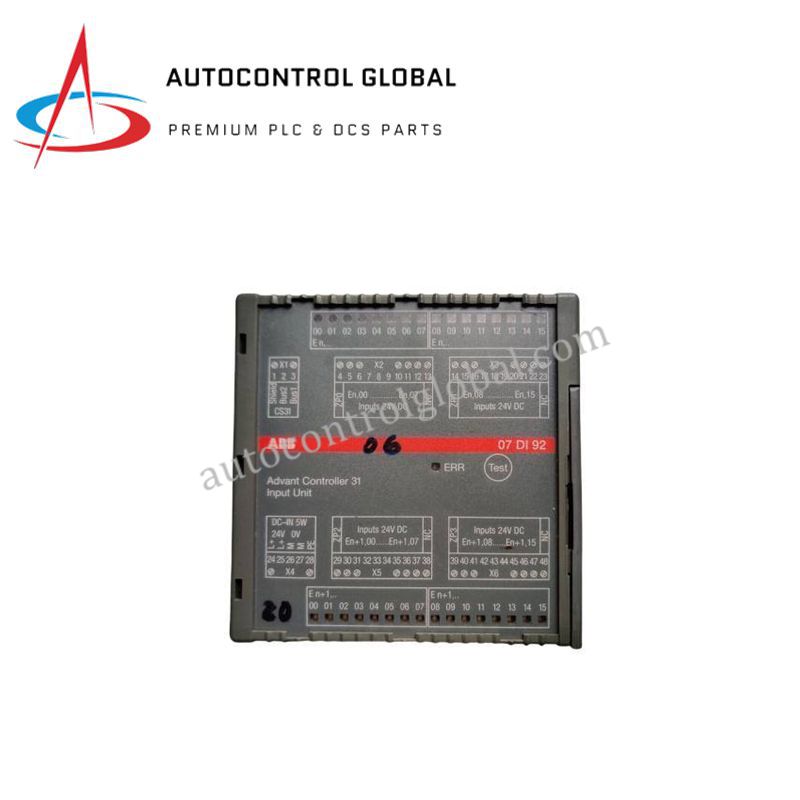
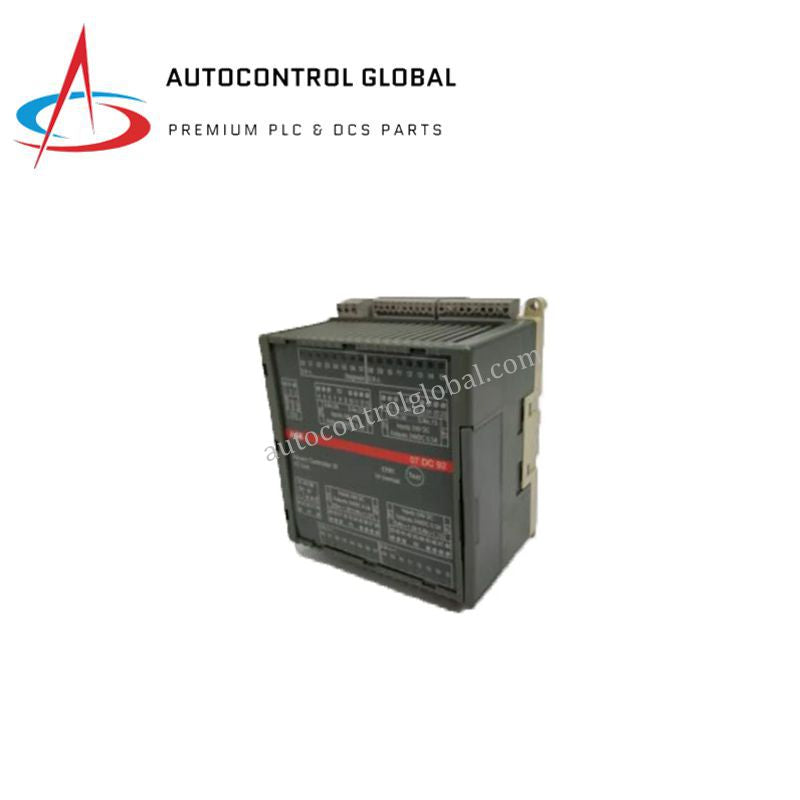


AX521 C1 ABB AC500 S500 Analog Input Output Module
Manufacturer: ABB
-
Part Number: AX521 C1
Condition:New with Original Package
Product Type: Analog I/O Modules
-
Country of Origin: Sweden
Payment:T/T, Western Union
Shipping port: Xiamen
Warranty: 12 months
ABB AX521 C1 AC500 / S500 Analog I/O Module
The ABB AX521 C1, also cataloged as the AX521 Analog Input/Output Module, operates as a dedicated hardware component for dual-directional analog signal processing and field instrument interfacing within ABB AC500 PLC and S500 I/O platforms.
Hardware Specifications
| Parameter | Specification |
|---|---|
| Model | AX521 C1 |
| Brand | ABB |
| Origin | Germany |
| Weight | 0.129 kg |
| Dimensions | 67.5 mm x 76 mm x 62 mm |
| Operating Temp | 0 deg C to +60 deg C |
| Power Consumption | 24 VDC supply voltage |
| Analog Inputs | 4 channels (Voltage +-10 V, Current 0/4-20 mA, RTD Pt100/Pt1000/Ni1000) |
| Analog Outputs | 4 channels (Voltage 0-10 V, Current 0/4-20 mA) |
| Resolution | 13-bit (inputs and outputs) |
| Isolation | Galvanic isolation (field to logic) |
| Protection Class | IP20 |
Backplane Bus Communication Velocity and Firmware Compatibility
The module communicates via the S500 expansion bus interface, integrating directly into the AC500 CPU backplane bus communication velocity framework for cyclic signal transmission. Internal converters map 13-bit analog input and output values into PLC process image registers without adding measurable scan cycles. Integrated galvanic isolation separates field-side sensor circuits from internal logic components, maintaining signal integrity and suppressing common-mode noise. Compatibility with AC500 CPU firmware versions ensures deterministic network updating and channel configuration via Automation Builder software.
Frequently Asked Questions
Q: How are channel signal types configured on the module?
A: Channel modes (voltage, current, or RTD) are parameterized through the engineering software environment and loaded via backplane firmware configuration parameters without requiring hardware jumper changes.
Q: What are the backplane mounting and power requirements?
A: The module snaps directly onto a standard DIN-rail adjacent to the terminal base and requires an external 24 VDC power supply connected to the terminal connections to drive internal circuitry and output current loops.
Q: Does the module support hot-swapping under power?
A: No. Power to the S500 I/O bus and local 24 VDC field wiring must be turned off prior to installing or removing the module to prevent electrical transients on the backplane bus.
Field Installation Guidelines
Mount the unit vertically on a standard 35 mm DIN-rail inside an IP54-rated industrial cabinet. Use shielded twisted-pair cables for all analog input and output signal wiring, running signal lines in dedicated wire ducts isolated from high-voltage AC power conductors. Ground cable shields at a single ground bar near the enclosure entry point. Ensure adequate clearance around the IP20 housing to facilitate natural thermal convection inside the control enclosure.